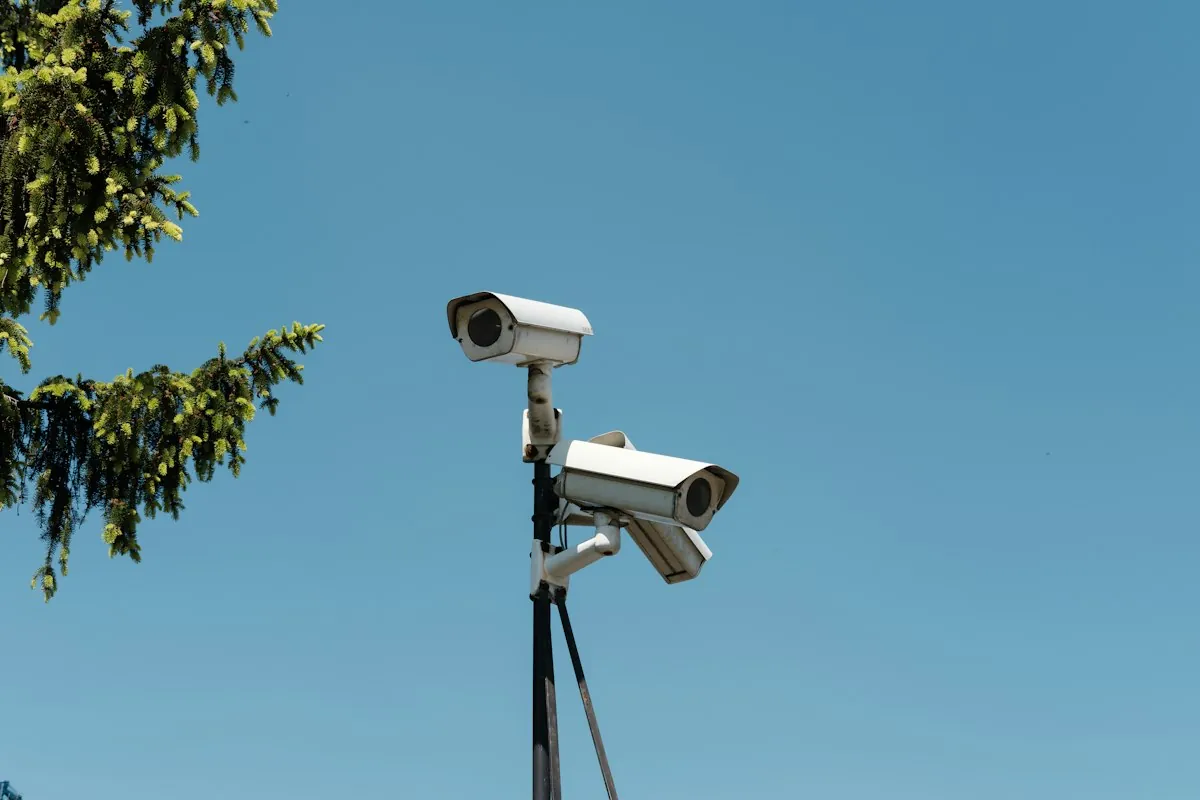
Commercial CCTV Placement Best Practices in LA
Good camera placement matters more than camera count. A well-aimed camera at an entrance beats three cameras that watch an empty hallway. This guide covers the decisions that shape a commercial CCTV layout.
Start With Risk, Not Camera Count
Walk the site and list what you need to protect. Typical items are people, cash, stock, vehicles and equipment rooms. Then list what you need each camera to show.
- Identify: a face or license plate that someone can recognize later.
- Recognize: a known person or vehicle.
- Observe: general activity in a wider area.
Each goal needs a different view. Plan the identify cameras first, because they are the hardest to place well.
Cover Entrances, Exits and Cash Areas First
Put a camera on every door people use to enter or leave the building. Mount it so it sees faces as people walk toward the lens, not the tops of heads.
Then cover the places where loss happens. These include registers, loading docks, shipping bays, server rooms and parking lot entrances. A site survey shows which spots matter most in your building.
Choose Mounting Height and Angle
Mount cameras high enough to stay out of easy reach. Do not mount them so high that the view turns into a top-down shot of hats and shoulders. For doors, a height just above the door frame usually works well. Tilt the lens down enough to see faces.
Use vandal-rated dome cameras where people can reach the mount. Use bullet cameras for long, narrow views such as fences and alleys.
Plan for Light and Backlight
Lighting changes what a camera can record. Avoid aiming a camera at a bright window or a glass door at midday. The subject turns into a dark shape against the glare.
- Pick cameras with true wide dynamic range (WDR) for entrances with strong backlight.
- Use cameras with built-in infrared for dark yards and lots.
- Add or fix site lighting where footage must show detail at night.
Match Lens and Resolution to the Job
Resolution only helps when enough pixels land on the subject. A common guide, from the IEC 62676-4 standard, is about 250 pixels per meter for identification. Recognition needs roughly half of that. A narrow lens on a doorway gives more detail than a wide lens on a whole lobby.
For license plates, use a dedicated camera with a shallow angle and a fast shutter. A general-purpose camera rarely reads plates on moving cars.
Plan Cabling and Power Early
Most modern systems use IP cameras powered over Ethernet (PoE). One cable carries power and video. Ethernet runs are limited to 100 meters (328 feet) per cable, so long runs need a switch or fiber closer to the camera.
Decide where each cable will run before you choose camera spots. A great view is no use if the cable path is blocked. Our commercial security camera installation team plans pathways, power and recording together, and our structured cabling for businesses service covers the cable plant.
Respect California Privacy Rules
Placement is also a legal question. Do not point cameras at restrooms, locker rooms or changing areas. California law restricts recording in those spaces. Audio recording has stricter consent rules than video, so get legal advice before you record sound.
Tell staff and visitors that cameras are in use, and post clear signs. This article is general information, not legal advice. Ask your attorney about your specific site.
Next Steps
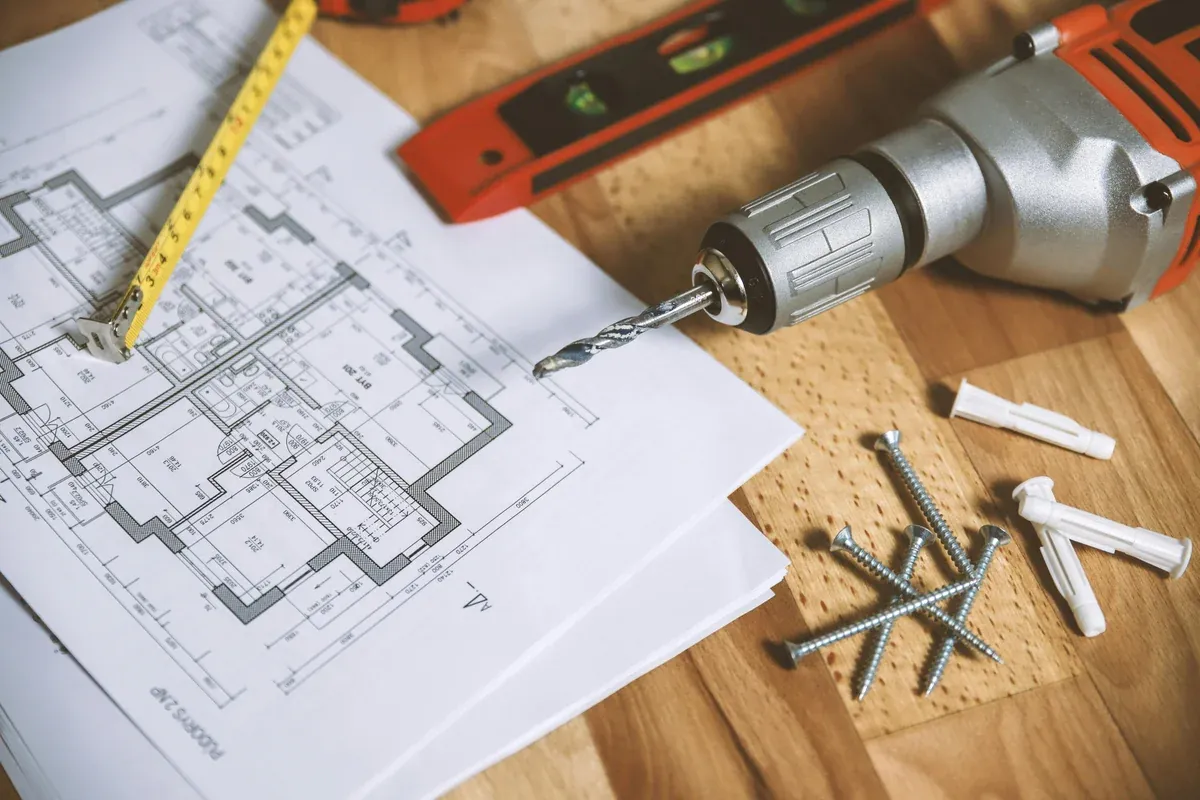
Bring a floor plan, a list of problem areas and any existing camera footage to your first meeting. We walk the site, mark each camera on the plan and send a written estimate. If an older system already misses key areas, see our security camera repair page for fixes before you replace everything.