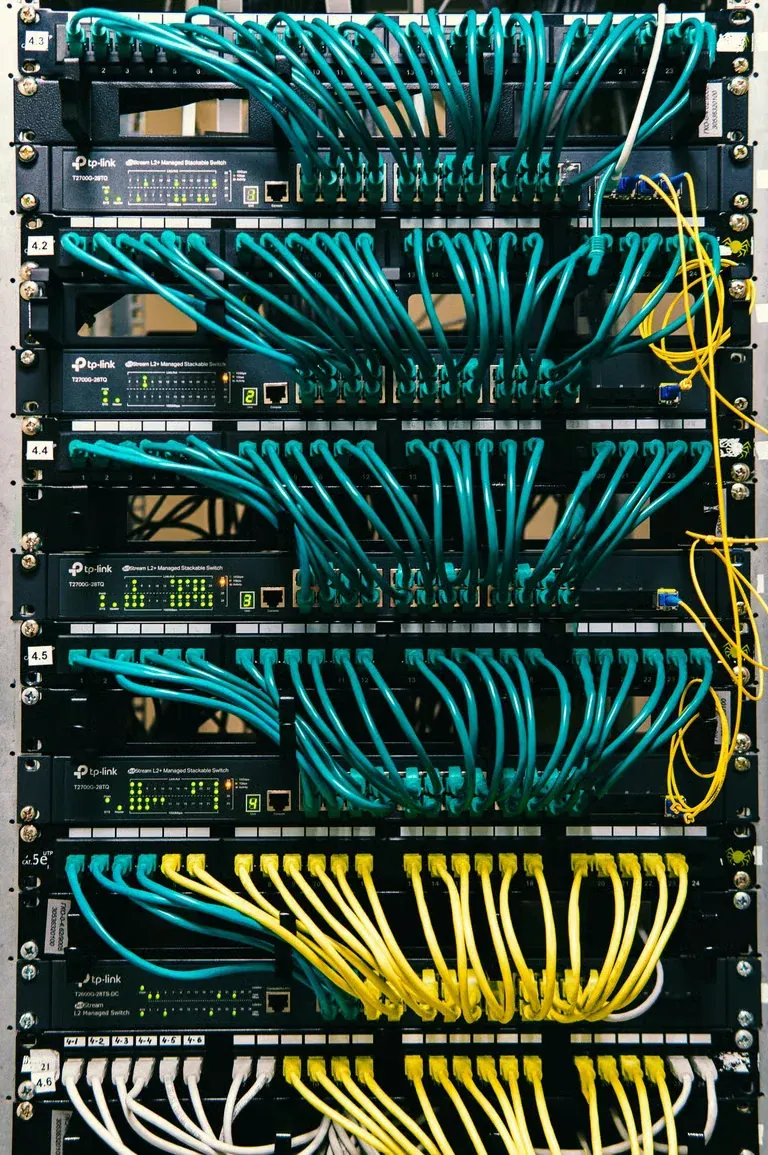
Managed switch setup
We configure ports, VLANs, and PoE budgets for your devices.
We design and configure business networks that stay fast, secure, and easy to manage.
A strong network begins with good cabling and ends with careful setup. Prime Network Cabling installs switches, access points, and firewalls, then documents everything.
 Segmented and secured Wi-Fi 6 coverage design
A business network connects people, phones, cameras, and cloud tools. Each part must be secure, fast, and organized.
We begin with a review of your current setup. We check the internet service, firewall, switches, Wi-Fi, and cabling. Then we list clear fixes in order of impact.
We build the new design with room to grow. Separate VLANs keep guests, staff, and cameras apart. Strong Wi-Fi covers every work area.
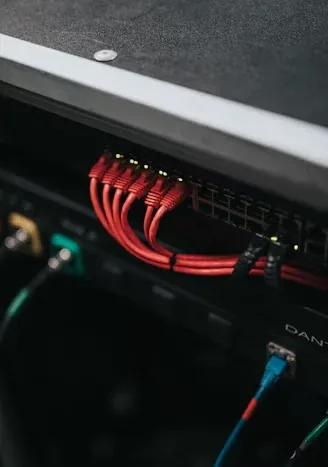
Each service ties into your cabling and security systems.
We configure ports, VLANs, and PoE budgets for your devices.
We plan access point placement and channels for steady coverage.
We configure firewall rules and secure remote access for staff.
We separate staff, guest, camera, and phone traffic.
We replace aging gear and keep downtime short.
We deliver diagrams, IP plans, and login records.
Segmentation limits damage when one device has a problem. It also keeps traffic organized.
Filters traffic between your network and the internet.
Moves traffic between VLANs and connects the rest of the network.
PoE-powered access points serve staff and guest networks.
Staff, guest, camera, and phone devices stay in separate groups.
Network problems often start small.
Weak coverage often means poor access point placement.
Congestion or old switches can limit throughput.
Open networks expose business systems to outside devices.
Aging equipment stops getting security updates.
Troubleshooting takes much longer without documentation.
Video streams need their own network space.
We choose equipment for reliability and long-term support.
Power cameras, phones, and access points over the same cable. Management features add VLANs and monitoring.
IEEE 802.11ax improves performance in crowded offices with many devices.
Stateful firewalls filter traffic, support VPNs, and log events.
Faster uplinks keep core traffic from bottlenecking.
Backup power keeps the network up during short outages.
Alerts tell you when a link, switch, or access point fails.

Each team has its own traffic and security needs.
Stable Wi-Fi, VoIP, and secure file access.
Segmented networks for devices and patient systems.
Separate guest Wi-Fi from point-of-sale systems.
Wide Wi-Fi coverage for scanners and handhelds.
Tenant networks with shared building services.
Reliable Wi-Fi for classrooms and visitors.
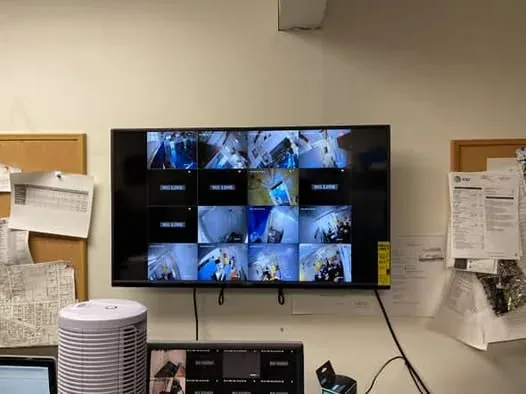
We cover these points in every network review.
Count computers, phones, printers, cameras, and guests.
Match bandwidth to your cloud tools and consider a second connection.
Walk the space and mark dead zones and high-density rooms.
Decide groups and address ranges before you configure gear.
Check passwords, firmware, and remote access rules.
Racks need backup power and good airflow.
Open standards and security guidance shape our designs.
IEEE 802.3 defines Ethernet speeds and PoE power levels.
This standard improves capacity in busy wireless environments.
This standard lets one switch carry many separate VLANs.
Quality cabling underpins every network design.
CISA publishes practical advice for securing business networks.
These choices cause slow, risky networks.
Pair this service with other systems that share the same cabling and network.
IP and PoE camera systems with NVR recording and remote viewing.
Dependable Security Camera InstallationDiagnosis and repair for offline cameras, failed NVRs, and damaged cable.
Experienced Security Camera RepairKeycard, mobile, and biometric entry with audit logs for every door.
Complete Access Control SystemsTested Cat6, Cat6a, and fiber cabling with clean racks and labels.
Quality Structured Cabling for BusinessesWe set up business networks in these Southern California areas.
Offices and clinics that need dependable Wi-Fi.
Corporate offices and retail locations.
Suites that need secure, segmented networks.
Industrial and technology sites near the airport.
Creative and tech teams with many wireless devices.
Need service elsewhere in Southern California? See the full Los Angeles service area coverage, or read our low-voltage security and network guides.
These Google reviews come from customers of our Los Angeles low voltage services.
Short answers to common network questions.
They cover the design, installation, and setup of switches, Wi-Fi, firewalls, and related cabling. Good services also include documentation.
VLANs separate traffic by group. They keep guests off staff systems and give cameras and phones their own space.
It helps most in busy spaces with many devices. Wi-Fi 6 improves capacity and reduces congestion.
Yes. We connect to your provider equipment and configure your firewall and switching behind it.
Yes. We deliver a diagram, IP plan, and equipment list with every project.
Yes. We create an isolated guest network with its own rules and optional bandwidth limits.
If they are unsupported or limit performance, we recommend upgrades. If they still serve you well, we keep them.
Describe your office size, devices, and current problems. We will outline a practical network plan.
Mon - Sat: 8:00 AM - 8:00 PM


